How do I allocate modules to board members?
Go to Mange Membership and scroll to the bottom of the page. If you have Learning Link, you will see the option to Allocate Learning Modules to a Member.
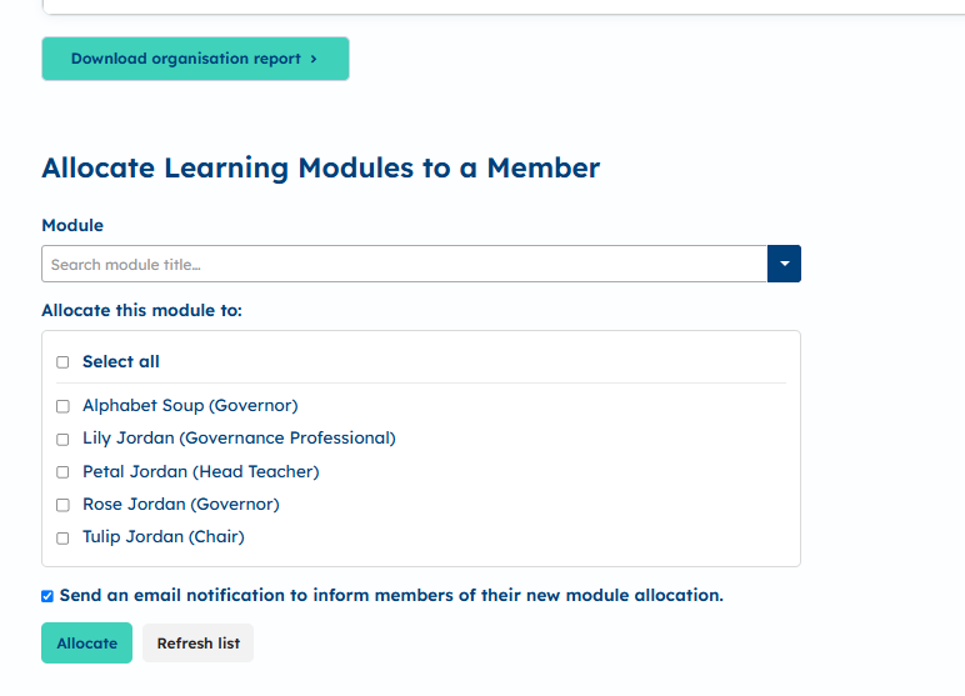
Select one or more people to whom you would like to allocate learning, then select which module you would like to allocate by typing in the box and then selecting it from the drop down.
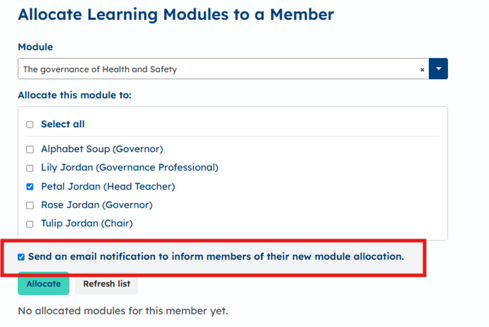
You can choose to send an email notification to the member(s) using the checkbox, then select 'Allocate'. You will then see a success message.
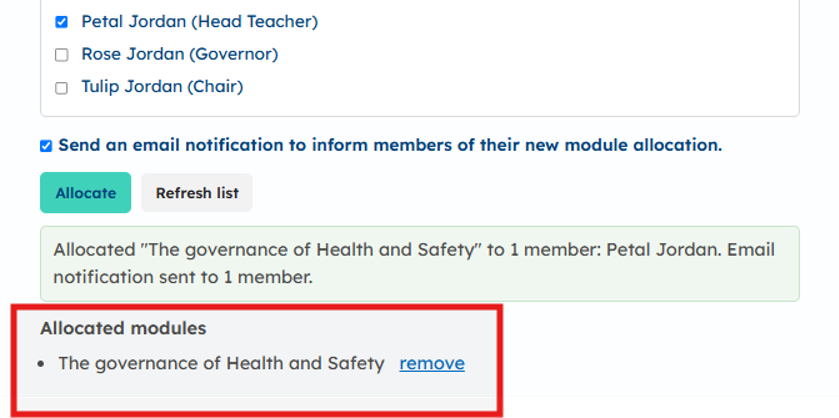
To see modules previously allocated, select the member you want to check. Their allocation history will appear at the bottom of the page.
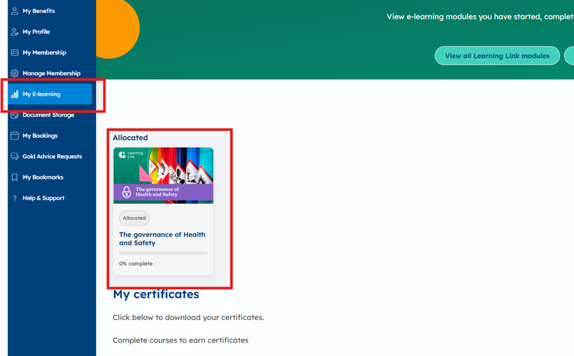
Your members will find the allocated modules under ‘My E-learning’.