How do I manage my board?
Select My NGA and Member Dashboard
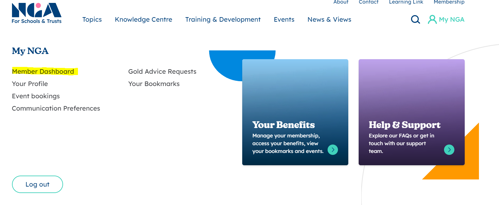
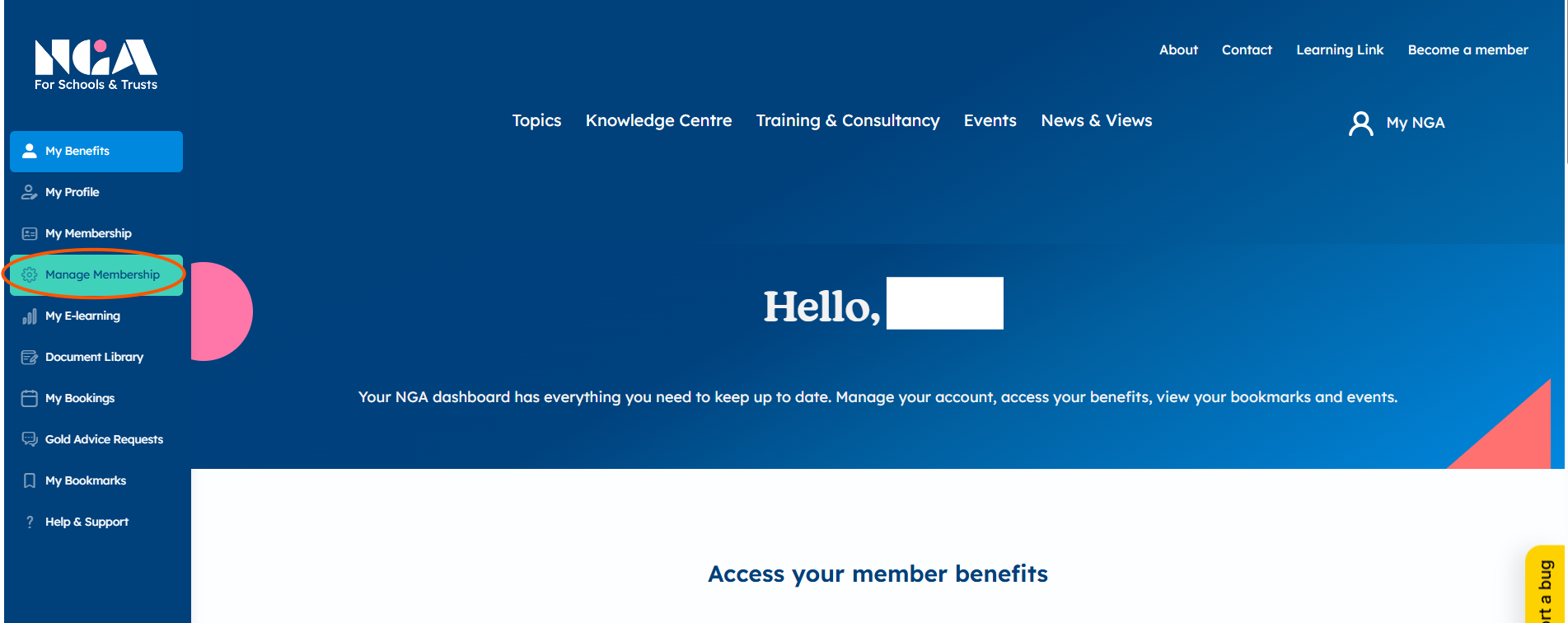
Then select Manage membership
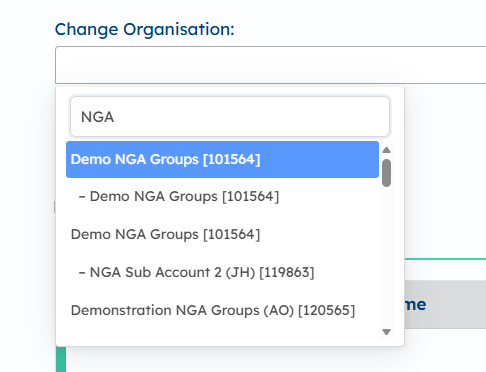
Select which organisation you would like to manage in the drop down menu. Please note, to speed up this process you can type into the box at the top of the drop down.
Once you've chosen your organisation, you will land on the group page, where you can manage administrative access and select individual boards where needed.
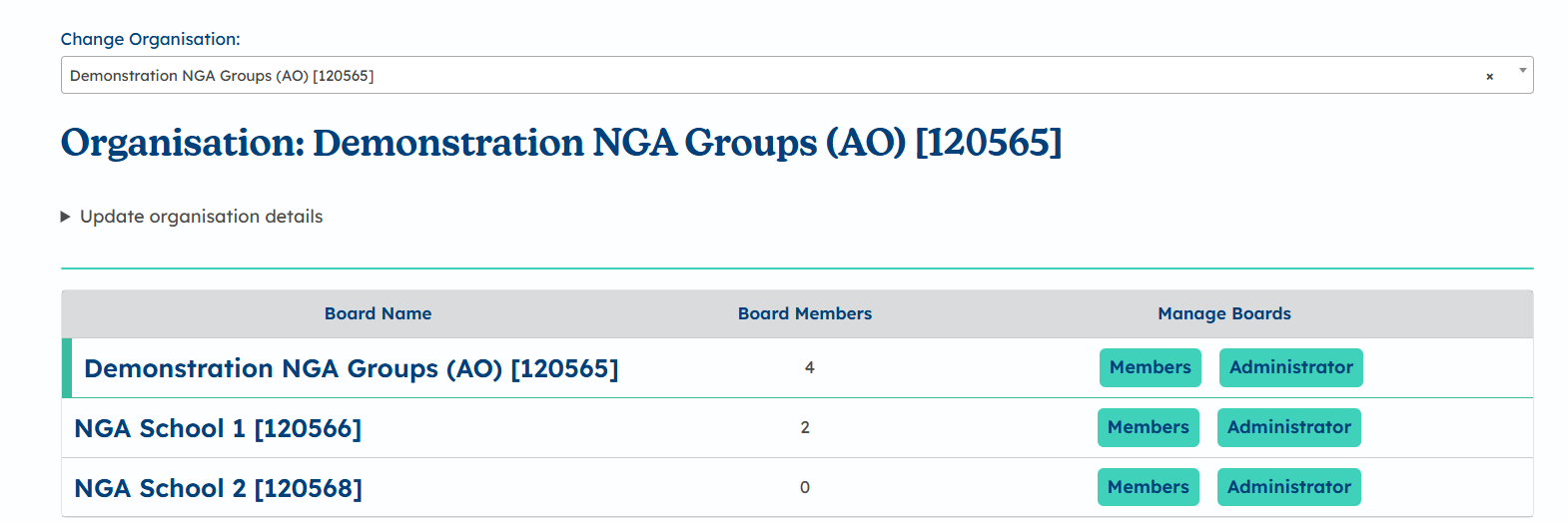
Click Members to view the details of a board including individual members
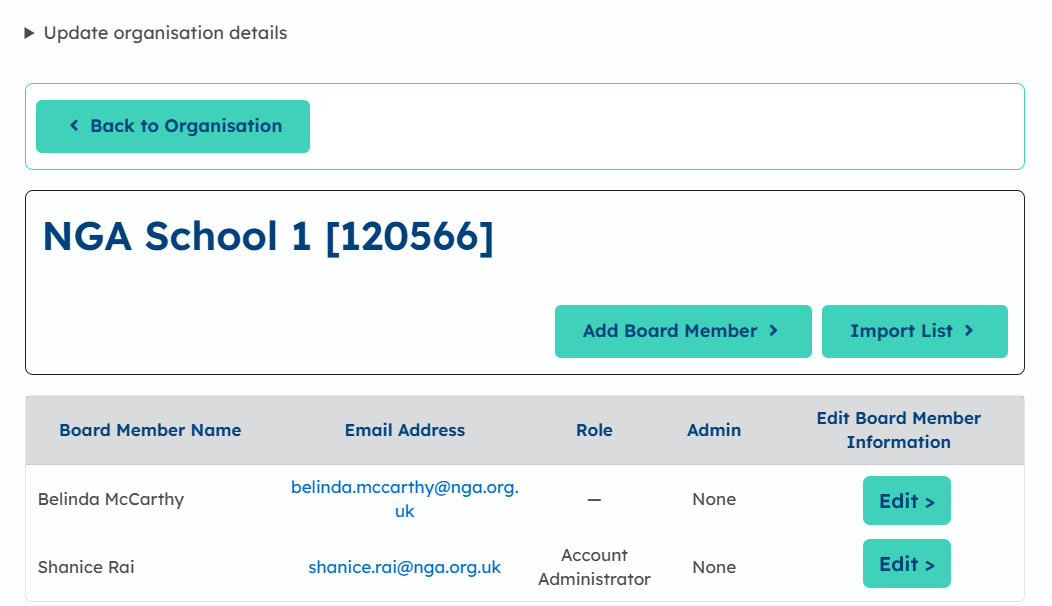
You can add a member using the Add Board Member button
If a member is already on our system through a different organisation, their details will come up when the email address is entered
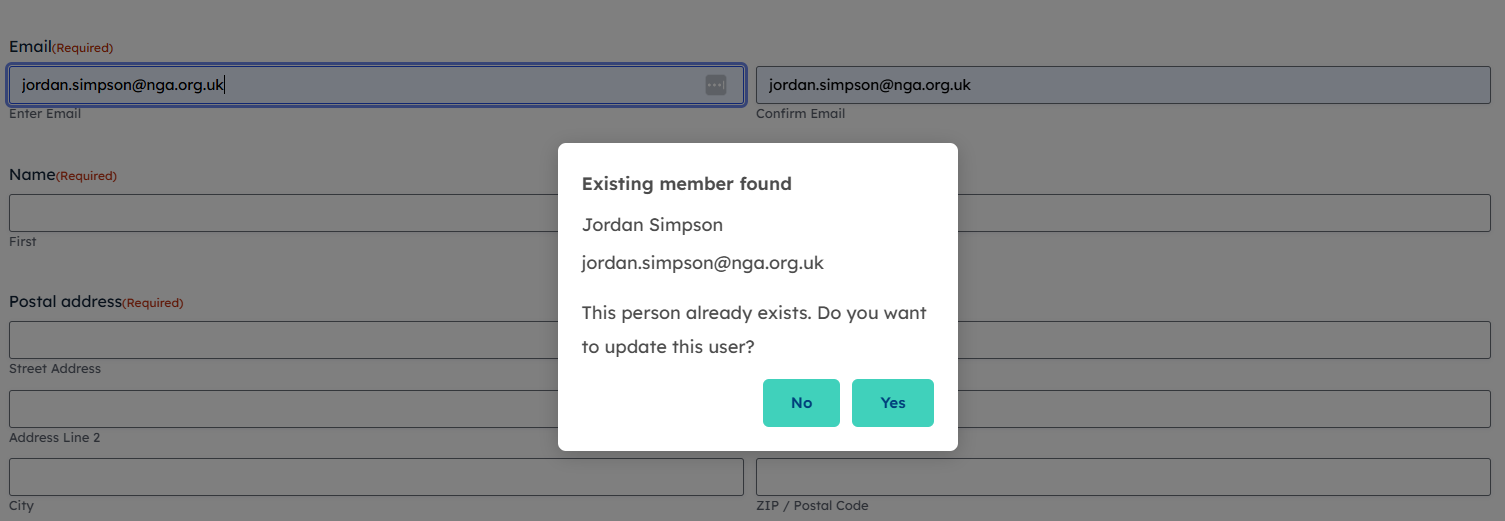
Click 'Yes' to add this member to your board, and you will then be able to add their role and any administrative access they should have.
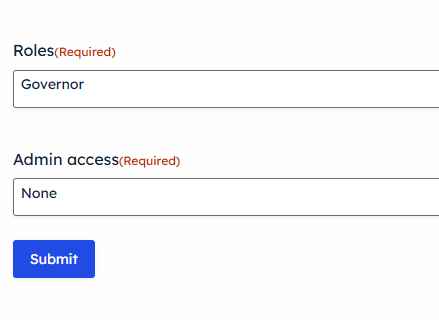
Editing members details and giving administration access
On your organisation's manage membership page, the Edit> button next to the members name will give you actions you can do – you can view, edit or Remove member.
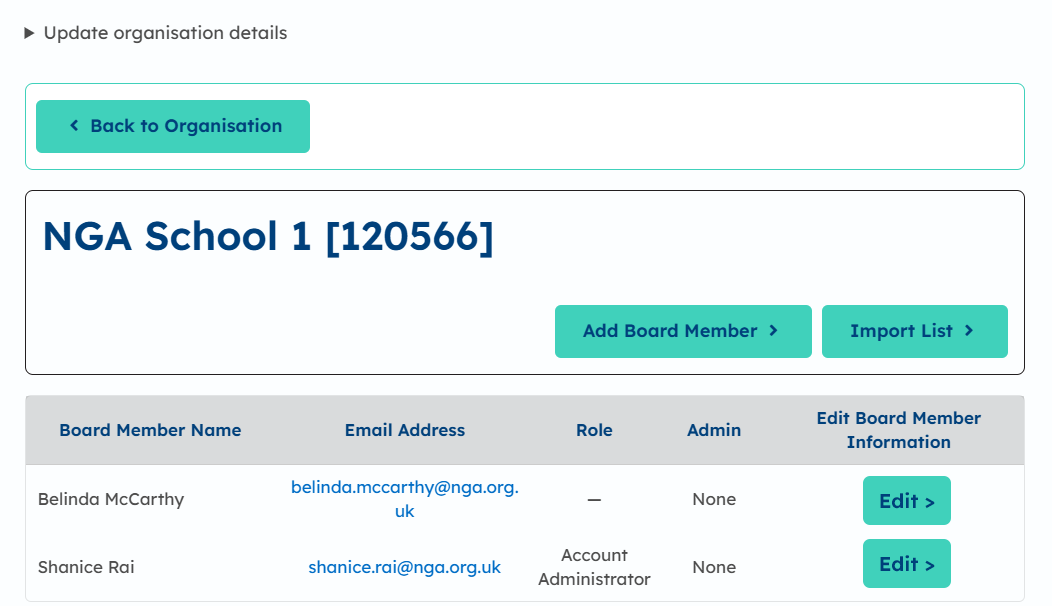
You can change their name, address, role and give them administration rights. You will not be able to change email addresses as they are login details; contact [email protected] to do this.
To give them administrator access, use the dropdown menu and select their level of access. Click Update to save changes.
Once you have added a new person, they will receive a welcome email. If they miss the email or it goes straight to junk, they can still reset their password, log in and access their benefits using the Reset Password button on our Login page.
Once the members are added, email addresses are classed as login details and you will not be able to change them on behalf of your members. They can login and change their own details from their communication preferences.